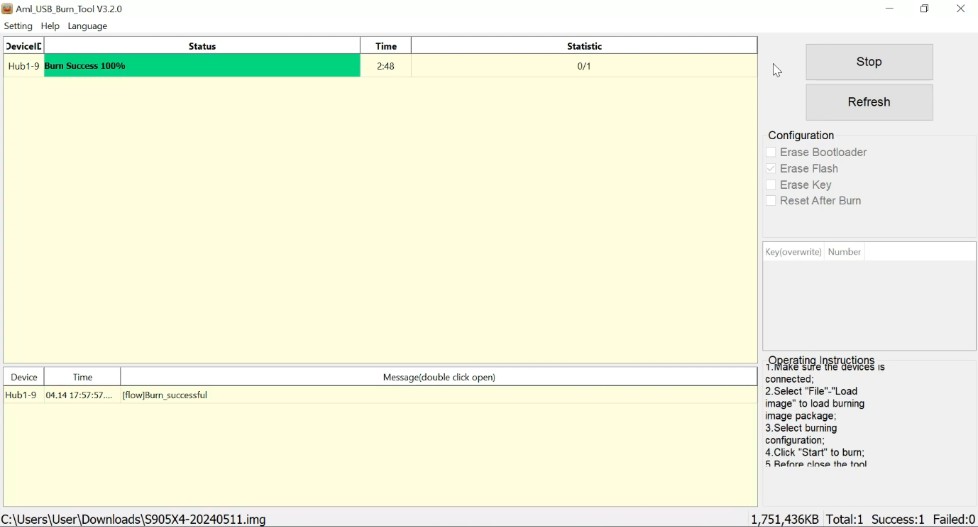
If you own a device powered by an Amlogic chipset such as a TV Stick, Android TV Box, or similar you may occasionally need to install or update its firmware. The Amlogic USB Burning Tool allows you to install and update firmware on these devices. This software enables you to flash firmware images onto Amlogic-based devices via a USB connection.
Issues such as boot failures, software errors, bootloops, or firmware-related glitches often require a re-installation of the firmware. Flashing the device with compatible firmware can resolve these problems. Please ensure the firmware is compatible with your specific device model; using incompatible firmware could exacerbate the issues.
| File Name | Amlogic USB Burning Tool |
| Size | 52MB |
| Version | v3.3.4 |
About the Amlogic USB Burning Tool
The Amlogic Burning Tool is a compact software application designed for Windows computers. It is lightweight and fast. Its primary purpose is to facilitate easy firmware updates for devices equipped with Amlogic chipsets. The tool typically works with firmware packages in the .img format. Firmware updates or recovery operations are performed by establishing a USB connection between the Amlogic device and the computer. Often, simply putting the device into recovery mode and using this tool can resolve the problem.
When is the Amlogic Burning Tool needed?
If your Android TV Box is functioning normally, you likely won’t need this tool. However, it becomes necessary when you encounter firmware-related issues.
- Scenarios requiring the tool:
- The TV Box is stuck on the boot logo
- The Amlogic device is repeatedly restarting (bootlooping)
- The system software is corrupted or damaged
- You need to replace the old firmware after a new update is released
- Software corruption has occurred on the Amlogic device
- Firmware installation via standard recovery methods is failing
The Amlogic USB Burning Tool is required in all these situations.